

Creating Content for Digital Screens – Helping Businesses Maximise the Impact of Digital Window Screens
- kate5925
- Dec 9, 2025
- 3 min read
Many businesses investing in digital window screens or broader digital signage struggle with one ongoing challenge: how to keep their content fresh, relevant, and engaging without a large marketing team.
Ensuring our customers have the capability for creating content for digital screens is an important element to discuss early on. Advice on simple, efficient ways to create content empowers organisations to update their displays confidently and maximise the visibility and value of their digital window screens.
The Challenge
While digital window screens offer exceptional visibility and customer engagement, many companies lack the in-house resources to maintain regular content updates. Without a clear content workflow, screens can quickly become outdated, reducing their impact and ROI.
We consistently find customers need:
Easy, accessible tools for producing new content
Templates they can edit quickly
Guidance on ratios, resolutions, and software options
A simple, repeatable system for keeping screens up to date
We aim to ensure creating content for digital screens is achievable for any business, regardless of team size or design experience.
Our Solution
1. Reviewing Existing Tools and Capabilities
We start by assessing what software and skills the customer already has. If they already produce social media posts, the transition to Digital Window Screens is straightforward. Tools such as Canva allow users to create professional, on-brand layouts using editable templates perfectly suited for digital display formats.
2. Leveraging Everyday Software
For teams with only standard office tools, we supply custom-sized and setup PowerPoint templates. When exported, these templates produce images or videos in the correct resolution and ratio for Digital Window Screens and other internal screens such as Digital Menu Screens, ideal for promotions, news, and announcements.
3. Designer-Created Template Packs
Where a fresh visual style is required, we recommend having a graphic designer create initial templates using Canva or PowerPoint. Once set up, internal teams can simply replace images, update text, and tailor layouts - ensuring a constant flow of screen-ready content.
4. Using CMS Templates for Dynamic Visuals
CMS templates add animations and motion to content, helping businesses produce more dynamic and attention-grabbing displays. This approach is especially effective for Digital Window Screens. which rely on high visibility to attract passing footfall and road traffic.

Client Success Story: Pertemps
One organisation that benefitted greatly from this support was Pertemps, who required a simple, scalable way for their regional office to create and update their own digital window screen content.
What We Delivered
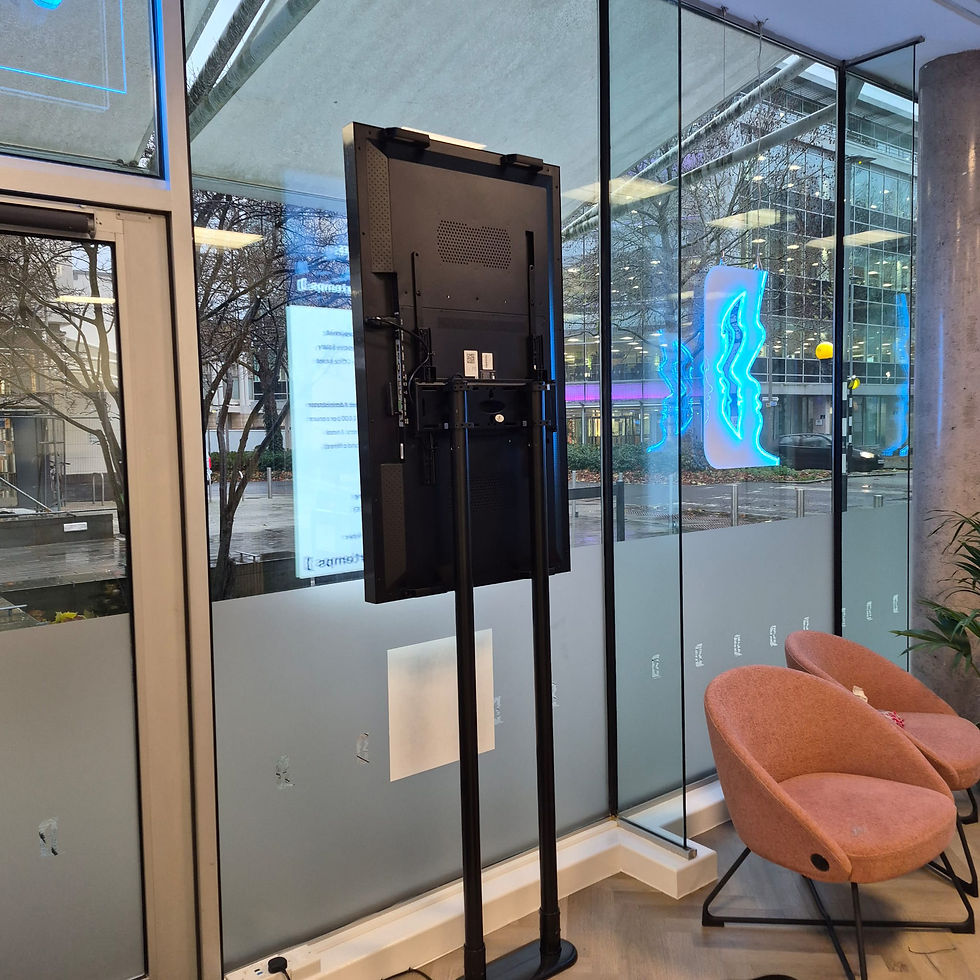
Replaced two 55” high-bright digital window screens
Implemented an intuitive content management system
Provided a free CMS walkthrough and hands-on content support
Supplied template packs for both static and video content
Offered ongoing creative advice to maintain quality and consistency
The Outcome
Pertemps was able to refresh their digital window screens weekly with new job positions and announcements. This uplift in frequency and content quality significantly improved visibility to passing pedestrians and road users, transforming their screens into a powerful recruitment and branding tool.
Their success shows how structured support for creating content for digital screens leads to stronger engagement, more consistent updates, and a better return on investment.
Conclusion
By providing accessible tools, tailored templates, and continuous support, we empower businesses to take control of their Digital Window Screens and maintain high-quality, engaging content. A consistent content strategy not only keeps displays visually appealing but also ensures they work harder for the business - driving awareness, footfall, and measurable value.


Comments